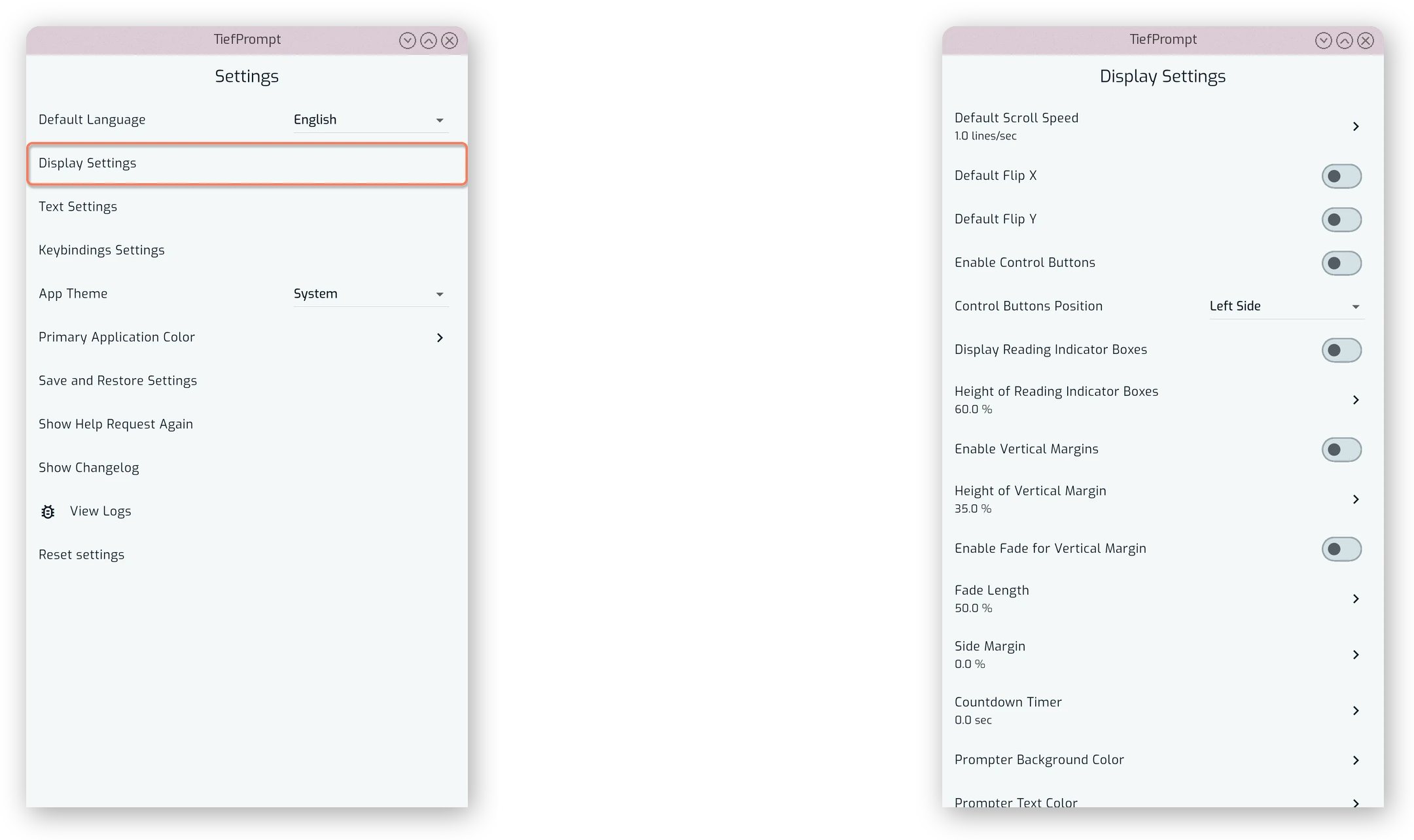
Display Settings
The Display Settings screen, reachable from the main settings menu, holds the defaults applied whenever a script is opened in the Prompter Screen. The overlay described in The Prompter Screen lets you change the same values temporarily during a session; pressing Save Prompter Settings there writes them back to these defaults.
Scrolling and Flipping
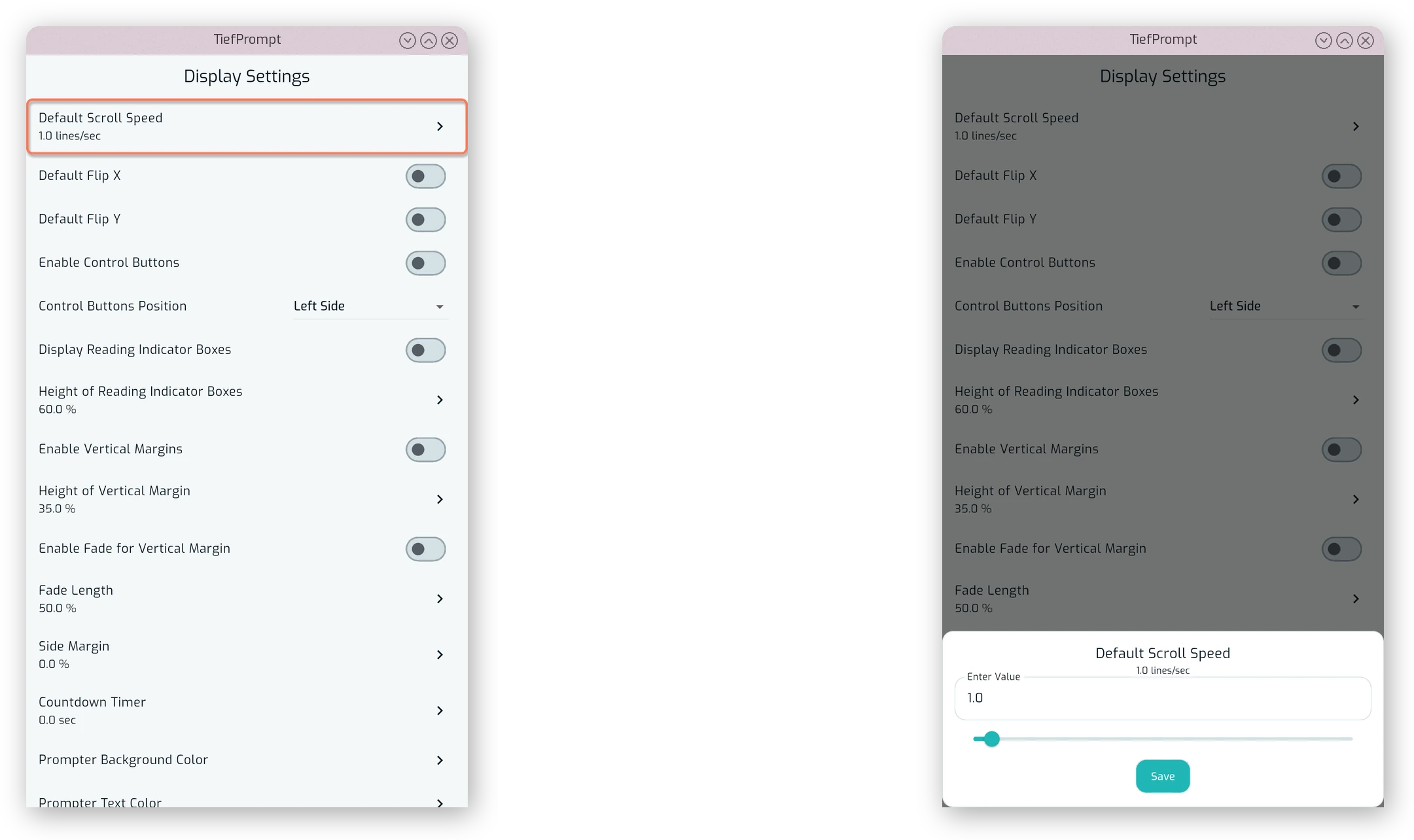
Default Scroll Speed sets the speed the text scrolls at when a script is opened, in lines per second.
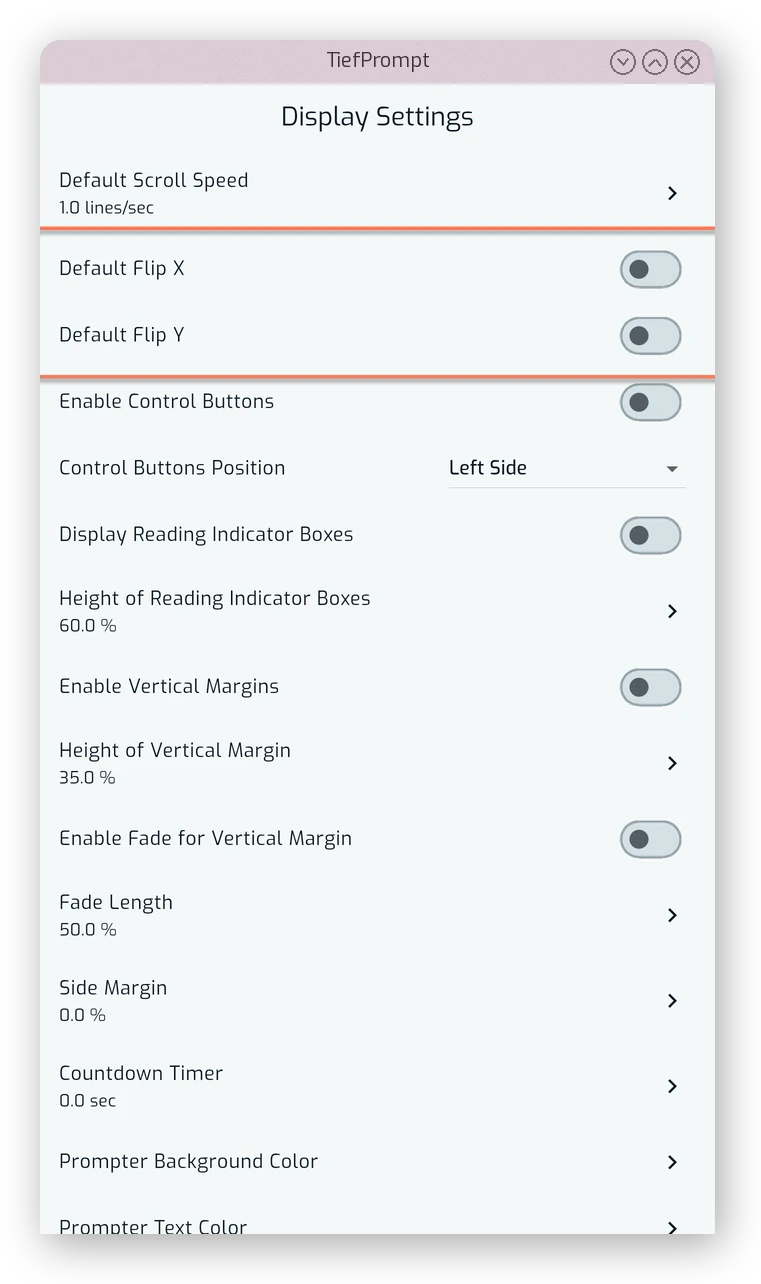
Default Flip X and Default Flip Y mirror the text horizontally or vertically. This is intended for use with a teleprompter rig, where the text is reflected off a piece of glass and needs to be flipped to read correctly.
Control Buttons
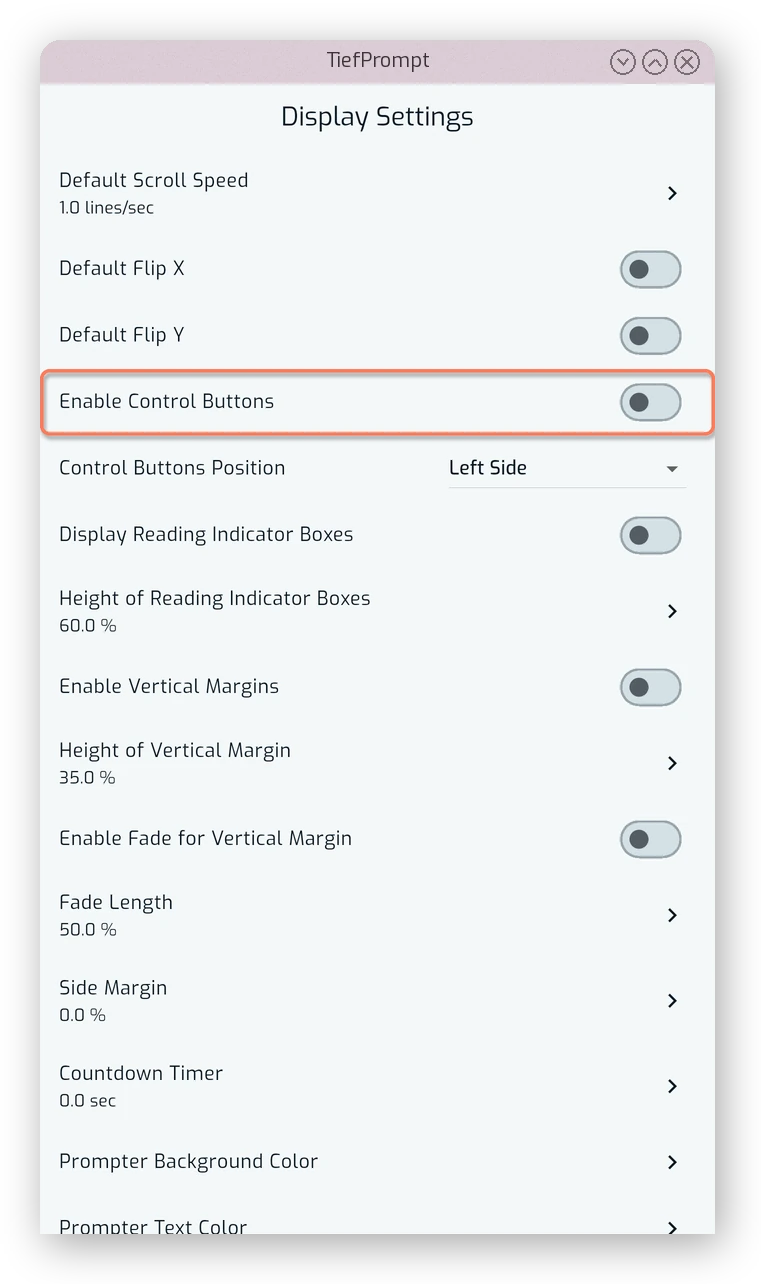
Enable Control Buttons shows or hides the on-screen playback controls over the prompter text. These are separate from the controls in the bottom bar, and can be positioned on any side of the screen.
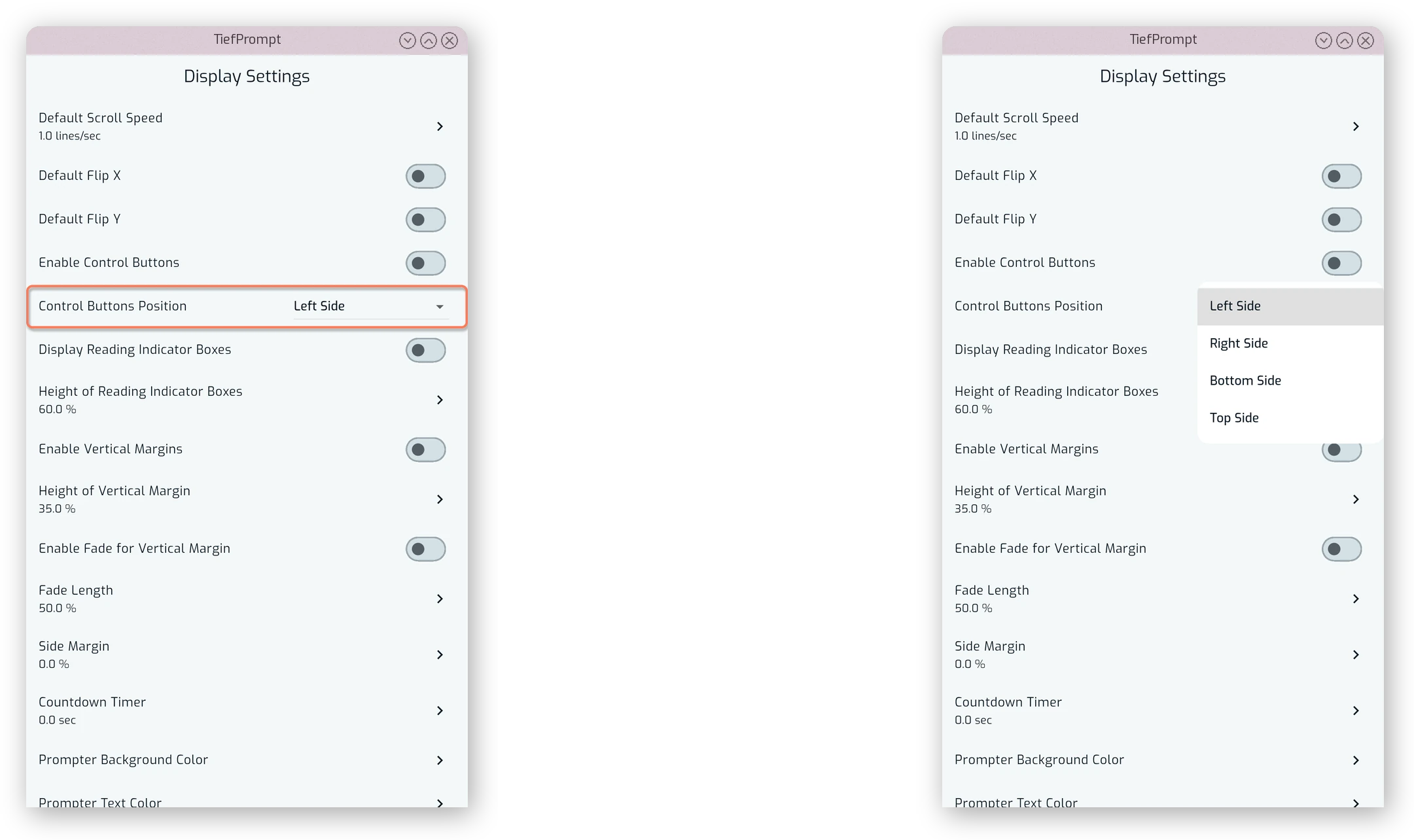
Control Buttons Position selects which side of the screen they’re anchored to: left, right, top or bottom.
Reading Indicators
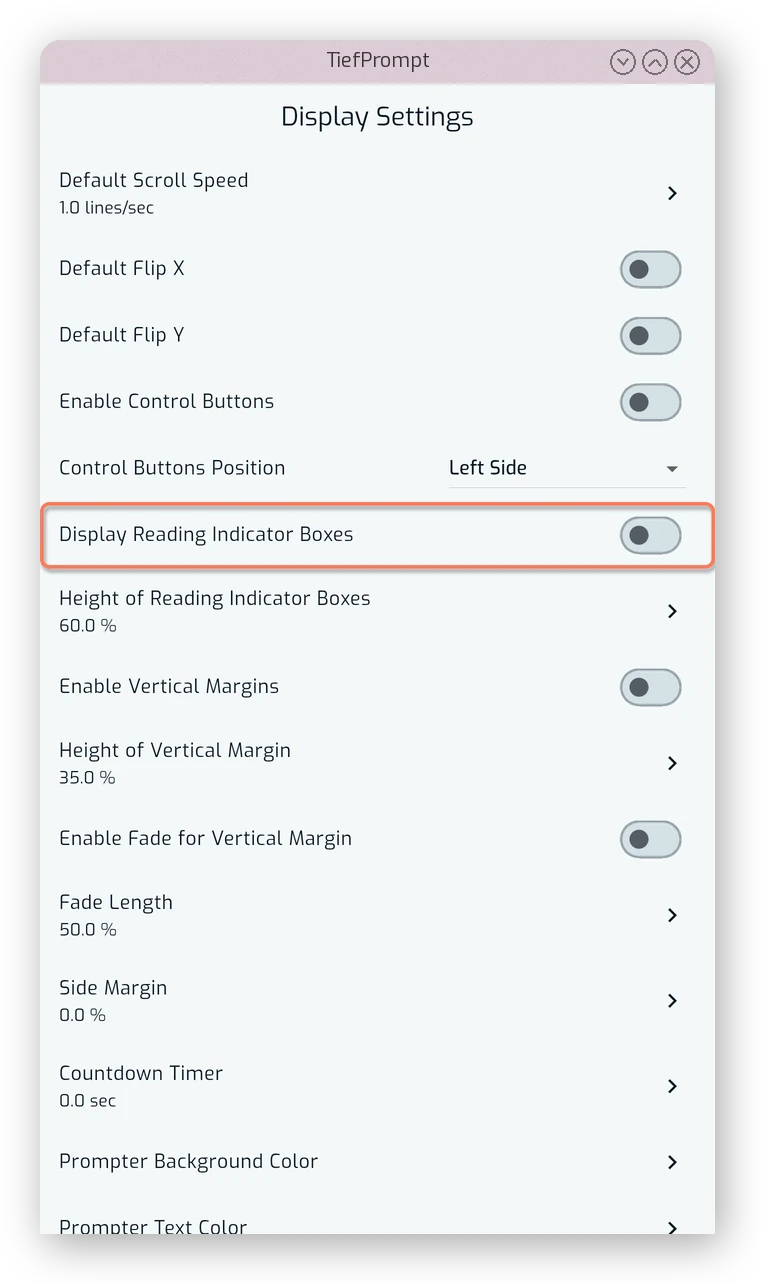
Display Reading Indicator Boxes draws two boxes across the width of the screen marking the area you should be reading from.
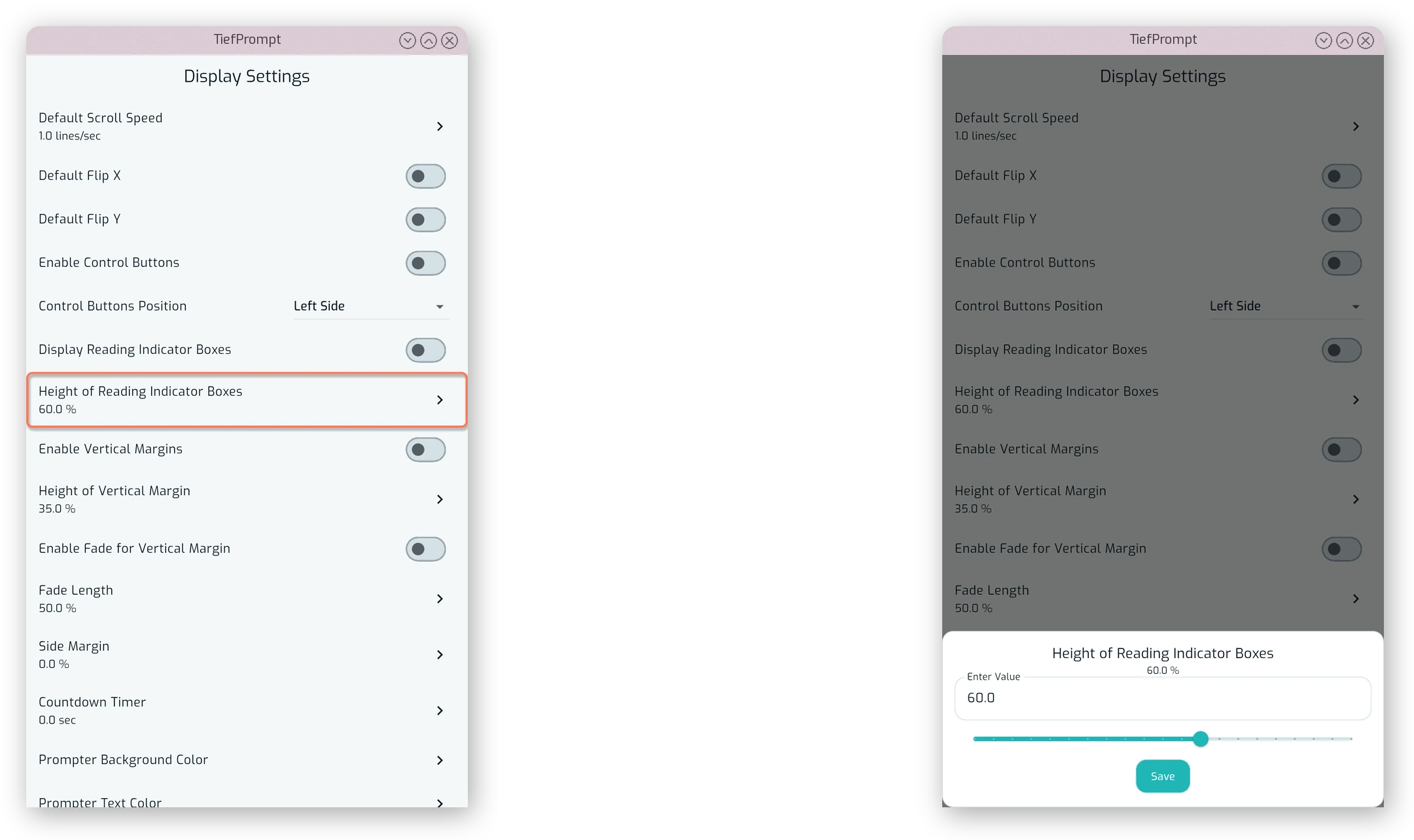
Height of Reading Indicator Boxes sets how tall those boxes are, as a percentage of the screen.
Vertical Margins
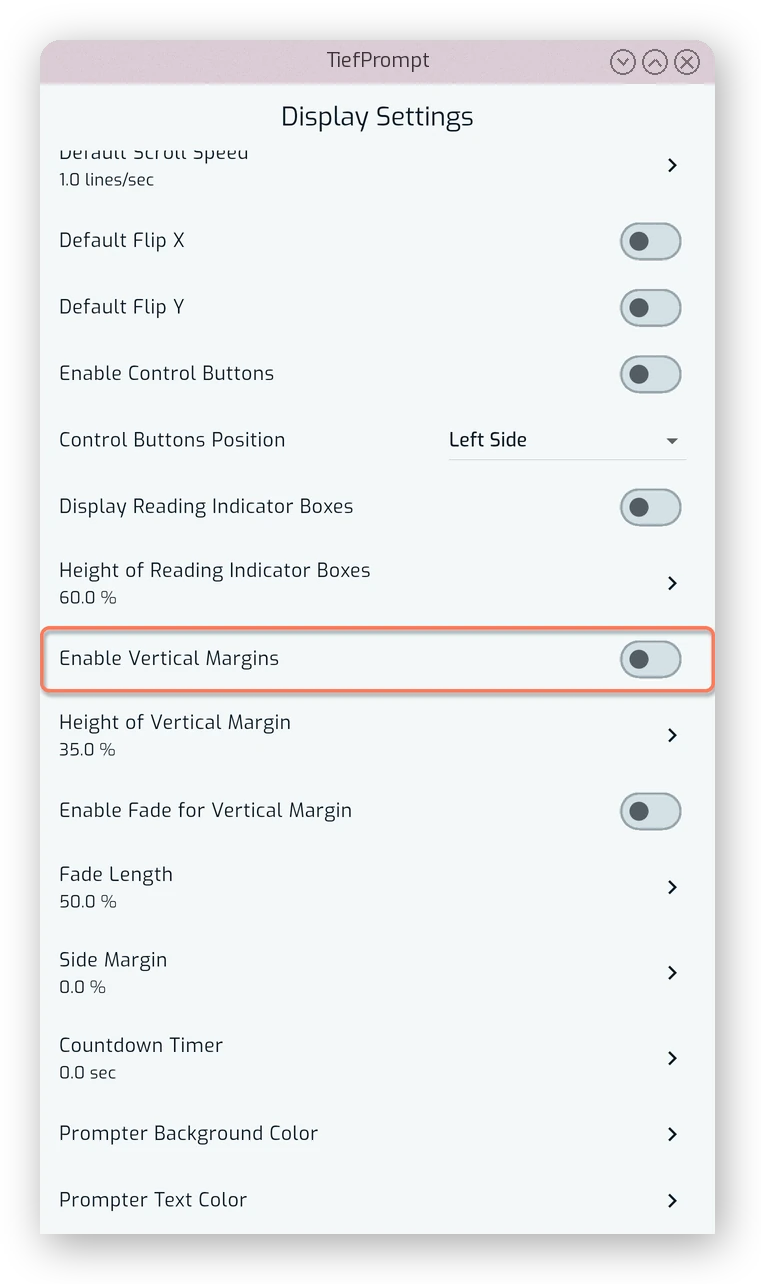
Enable Vertical Margins reserves a band of empty space at the top and bottom of the screen so text doesn’t scroll all the way to the edges.
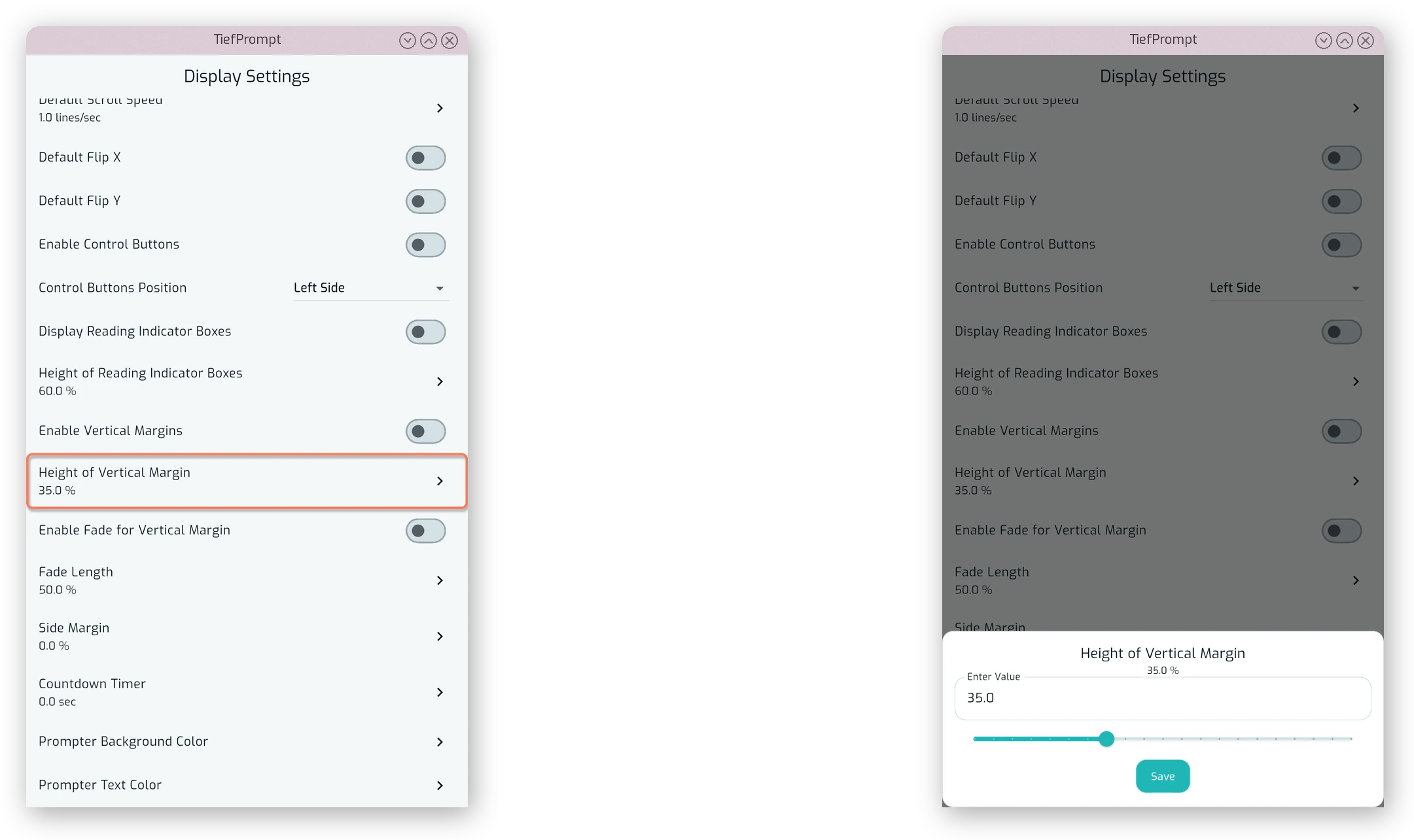
Height of Vertical Margins sets how large that band is.
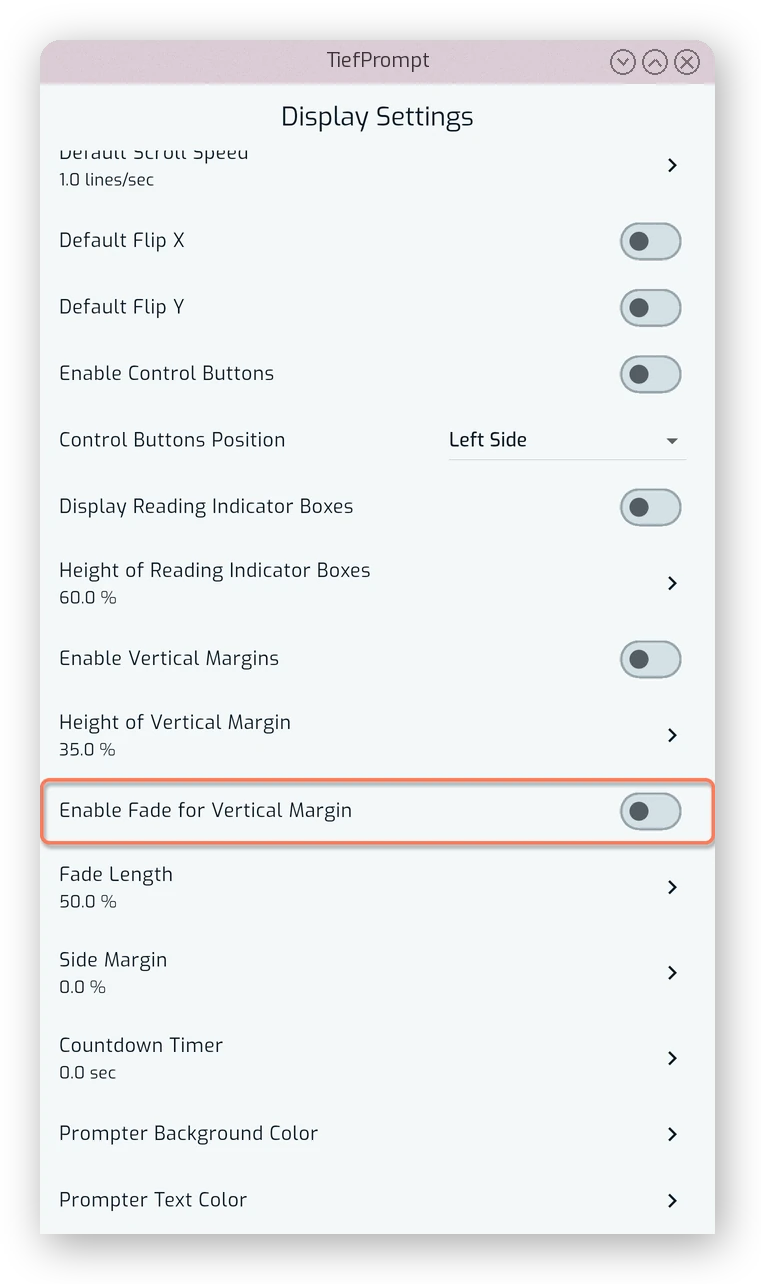
Enable Fade for Vertical Margin fades the text into the background near the edge of the margin rather than cutting it off sharply.
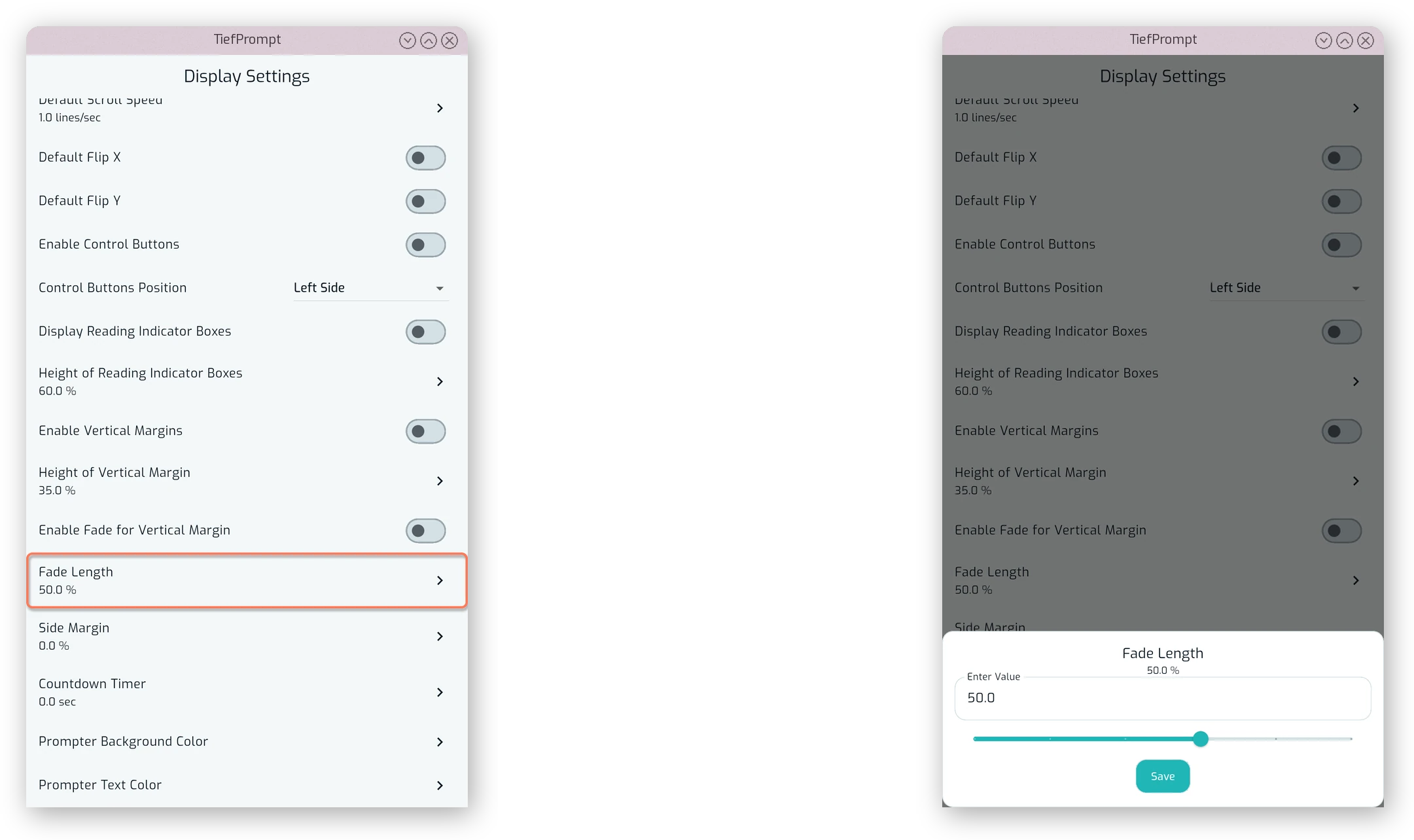
Fade Length controls how far that fade extends.
Side Margin and Countdown
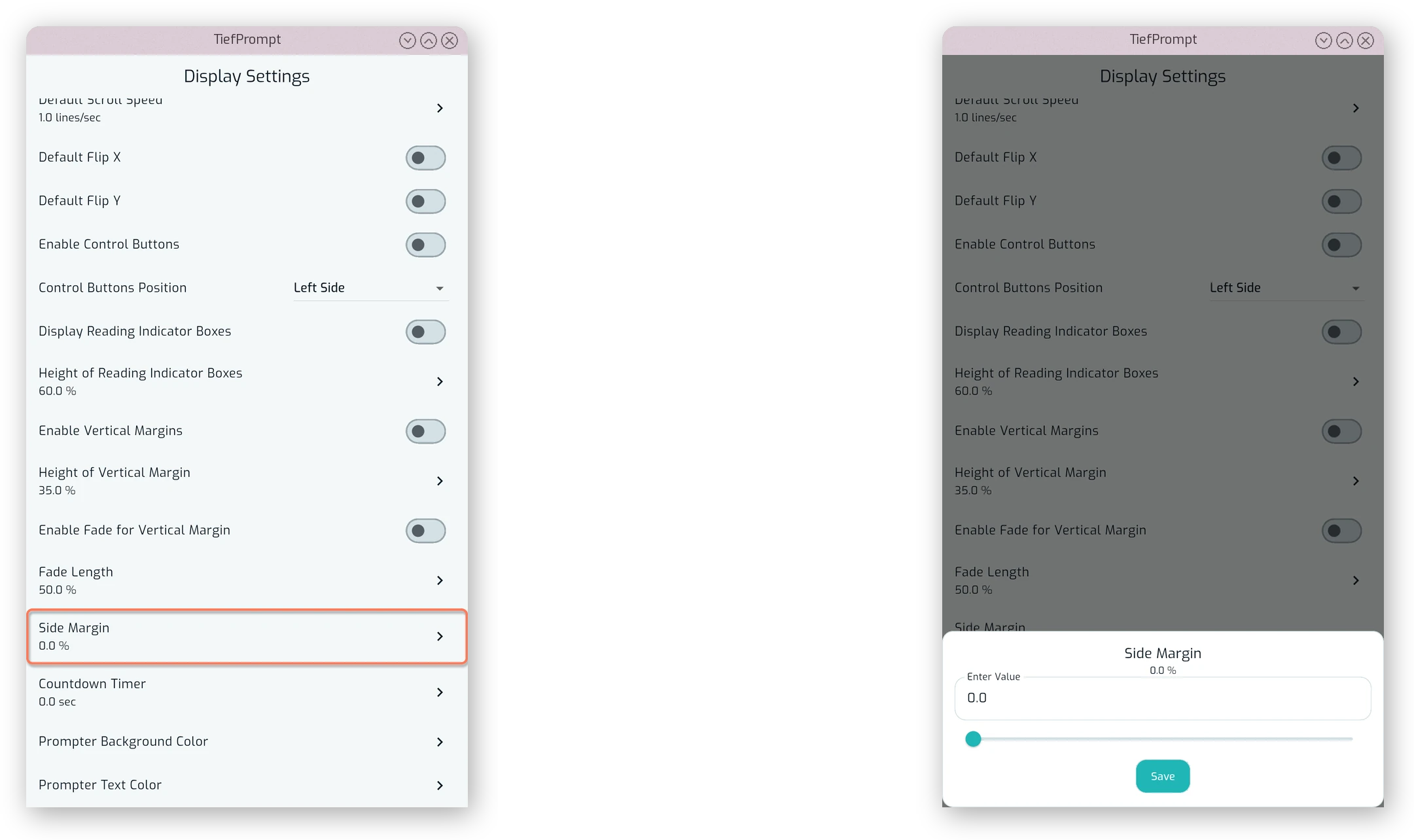
Side Margin adds empty space on the left and right of the text, as a percentage of the screen width.
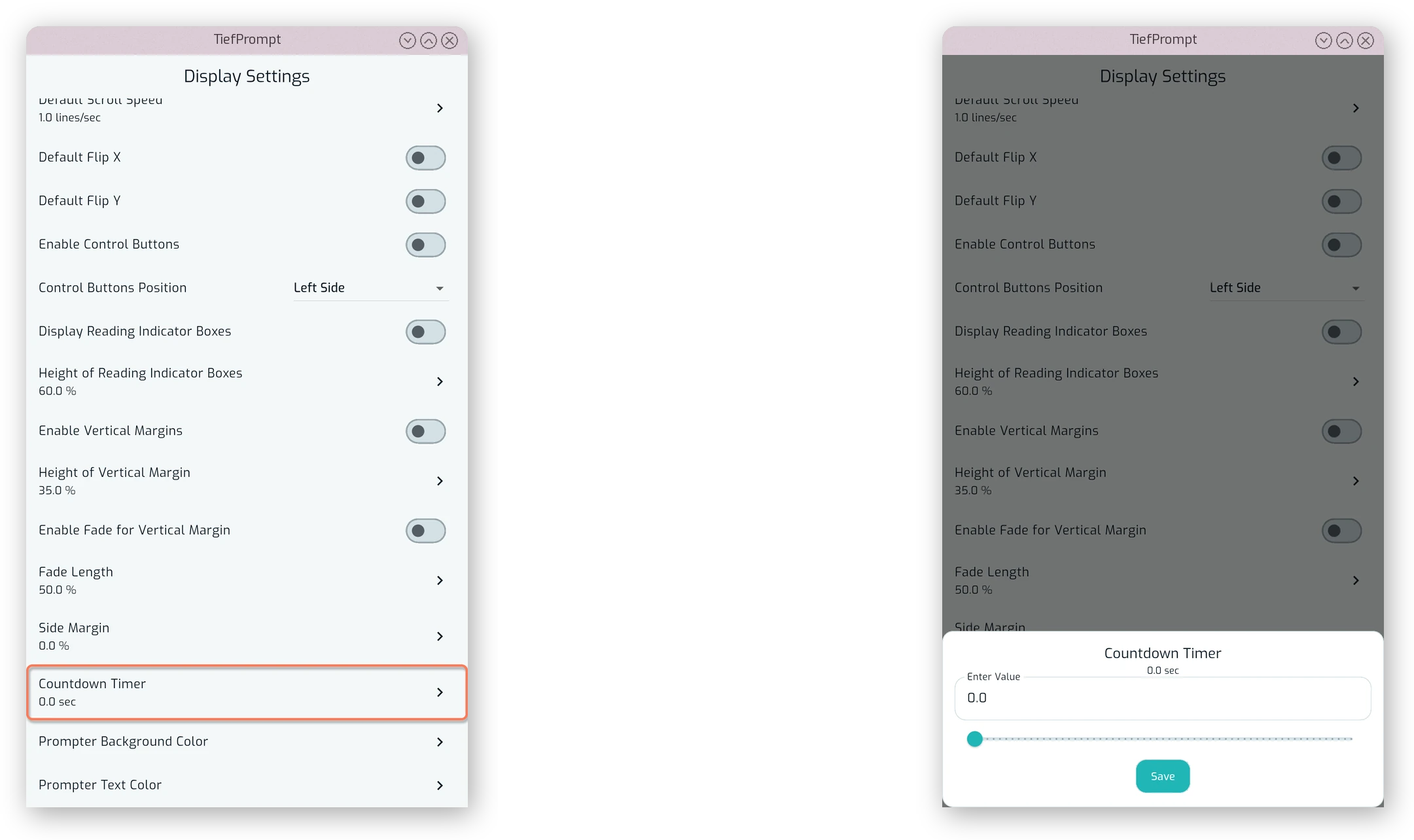
Countdown Timer sets how many seconds pass between pressing play and the text starting to scroll.
Colors
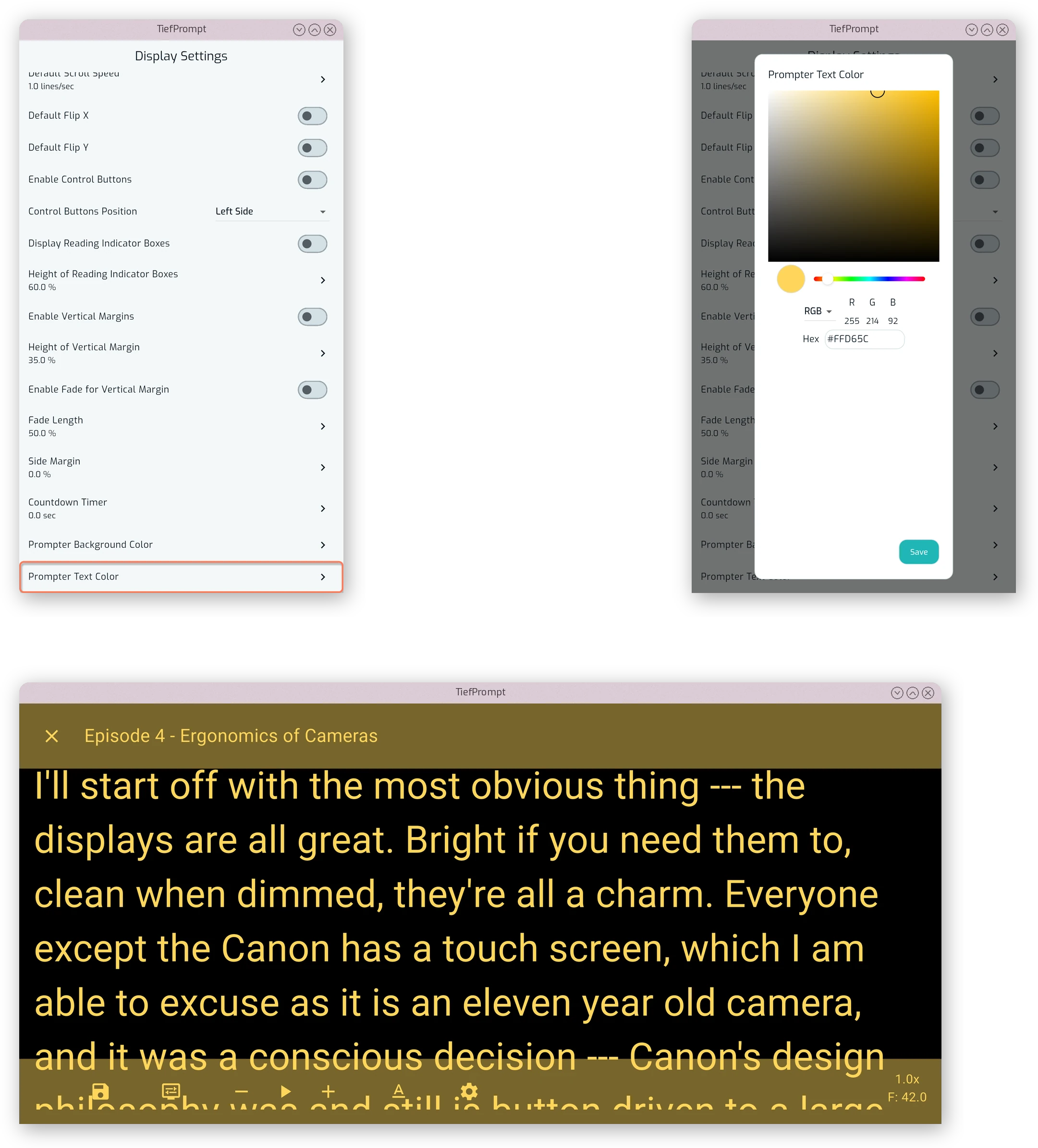
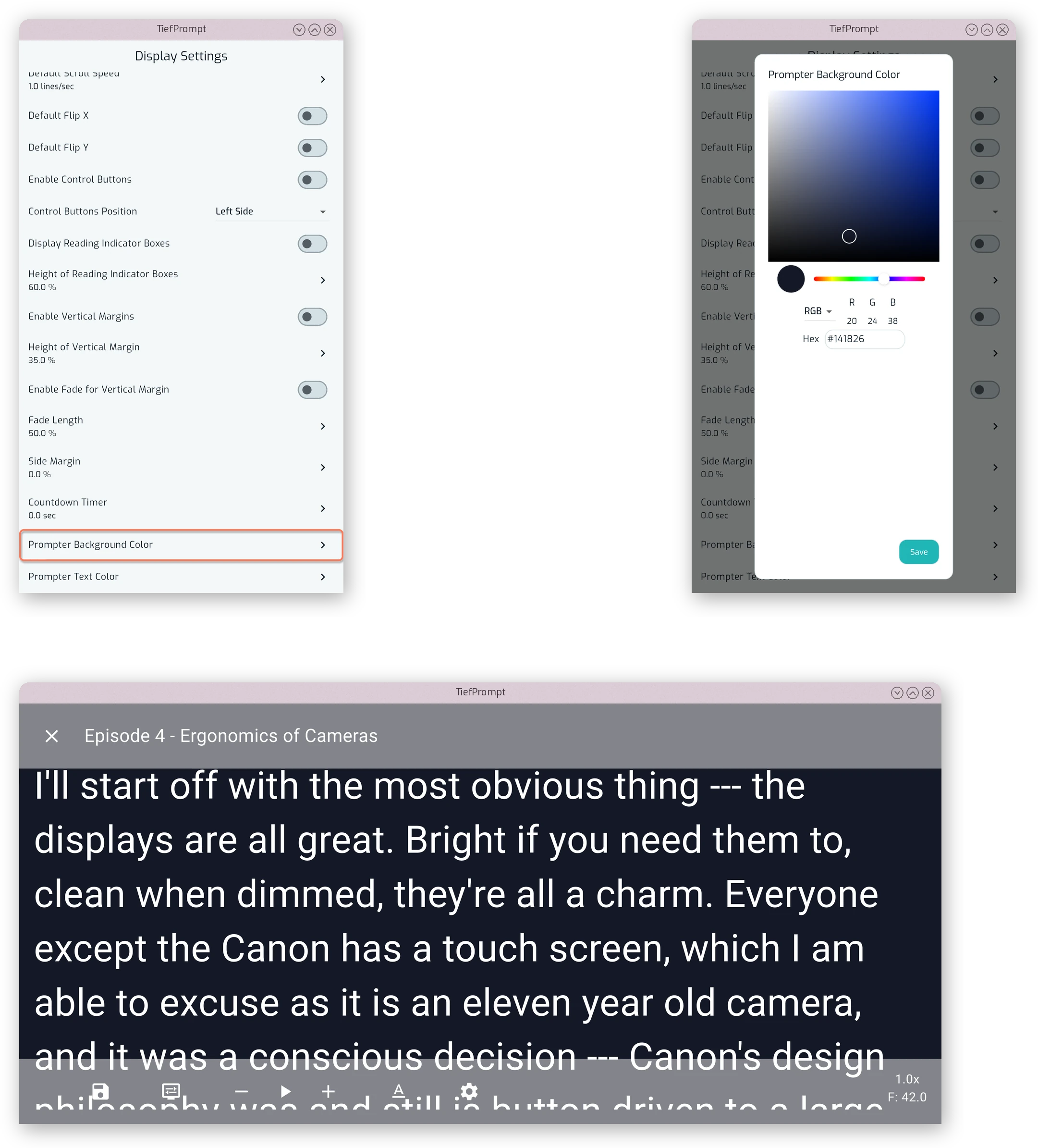
Prompter Background Color sets the color used behind the scrolling text, independently of the app’s own theme and primary color.
Prompter Text Color sets the color of the scrolling text and the affordances of the app themselves.